App Cloner- Multiple Chat Accounts & Clone App2.6.3
Publisher Description
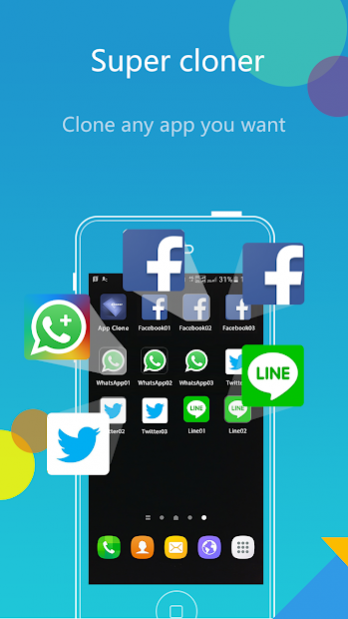
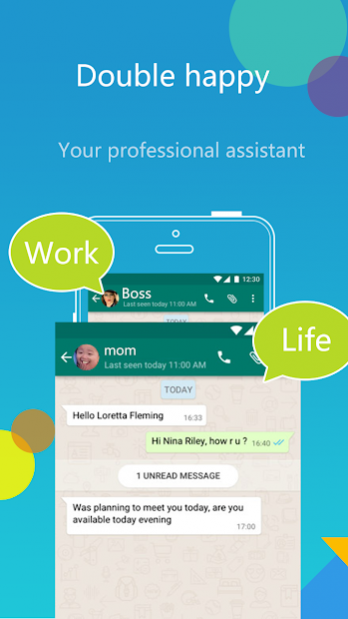
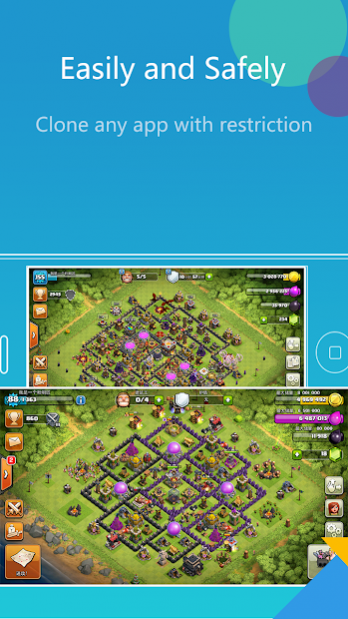
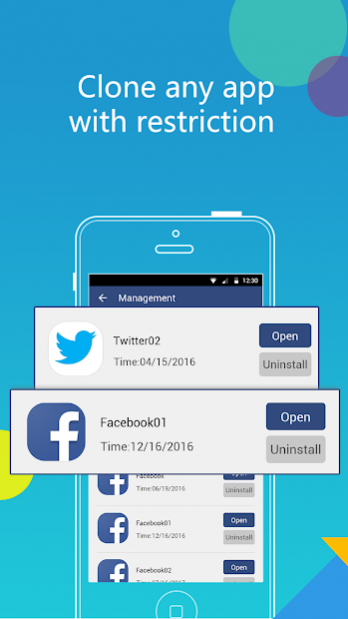
App Cloner is an amazing software for users to run multiple accounts at the same time on a single device, while messages and data of your different accounts are in seperated parallel space. App Cloner is compatible with most android apps, such as WhatsApp, Facebook, Messenger, Line, Snapchat,Twitter, Instagram, Skype and most Games.
Get App Cloner immediately to manage multiple accounts, gain multiple fun !
We got following features:
1, Clone apps on your phone, so users can login multiple accounts.
2, Easy to use,no need root, and pure UI design.
3, Balance your work and life. Fast switch between multi accounts.
4, User Info are safely Guarded.
Notes:
• Permissions: App Cloner needs to apply for the permissions required by the apps added in to function normally.
• Notifications: Please add this app to whitelist or exceptional list of some 'boost apps' to ensure that notification of some social networking apps functions well.
For any problems, please feel free to contact us via email at: hunanjiyou@gmail.com
About App Cloner- Multiple Chat Accounts & Clone App
The company that develops App Cloner- Multiple Chat Accounts & Clone App is Grace Course. The latest version released by its developer is 2.6.3. This app was rated by 19 users of our site and has an average rating of 2.3.
To install App Cloner- Multiple Chat Accounts & Clone App on your Android device, just click the green Continue To App button above to start the installation process. The app is listed on our website since 2021-04-21 and was downloaded 58 times. We have already checked if the download link is safe, however for your own protection we recommend that you scan the downloaded app with your antivirus. Your antivirus may detect the App Cloner- Multiple Chat Accounts & Clone App as malware as malware if the download link to com.felix.jyelves is broken.
How to install App Cloner- Multiple Chat Accounts & Clone App on your Android device:
- Click on the Continue To App button on our website. This will redirect you to Google Play.
- Once the App Cloner- Multiple Chat Accounts & Clone App is shown in the Google Play listing of your Android device, you can start its download and installation. Tap on the Install button located below the search bar and to the right of the app icon.
- A pop-up window with the permissions required by App Cloner- Multiple Chat Accounts & Clone App will be shown. Click on Accept to continue the process.
- App Cloner- Multiple Chat Accounts & Clone App will be downloaded onto your device, displaying a progress. Once the download completes, the installation will start and you'll get a notification after the installation is finished.
Program Details
System requirements
Download information
Pricing
Version History
version 2.6.3
posted on 2021-04-21
* Now adapts to Android11 storage permission
version 2.6.1
posted on 2021-03-02
version 2.5.9
posted on 2021-01-25
Added user feedback click tracking point.
Optimized user experience.
version 2.5.8
posted on 2021-01-07
* Fixes known bugs when running the cloned apps
* Optimized user experience
version 2.4
posted on 2020-05-26
* Fixes known bugs when running the cloned apps
